
Share Cloudflare Domain DNS access
- Go to www.cloudflare.com and log into your account.
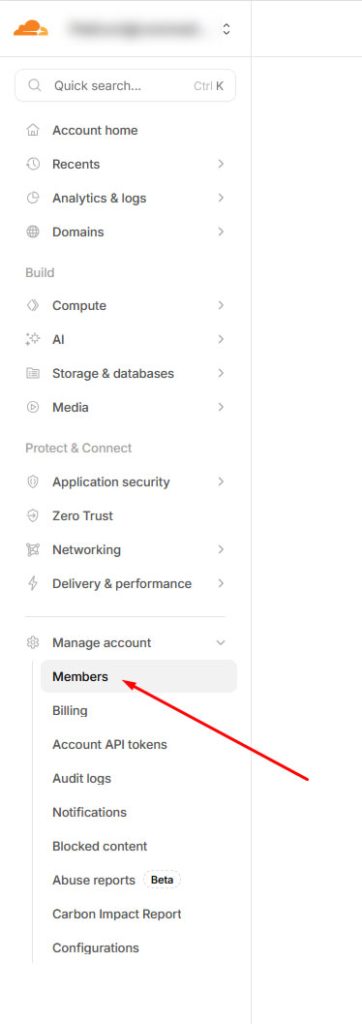
- Click on the Manage account tab and then on Members.
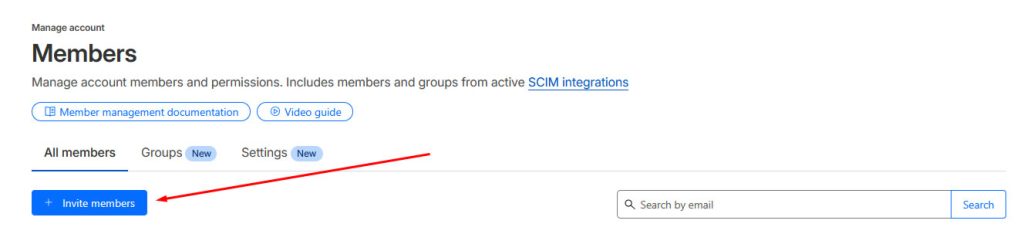
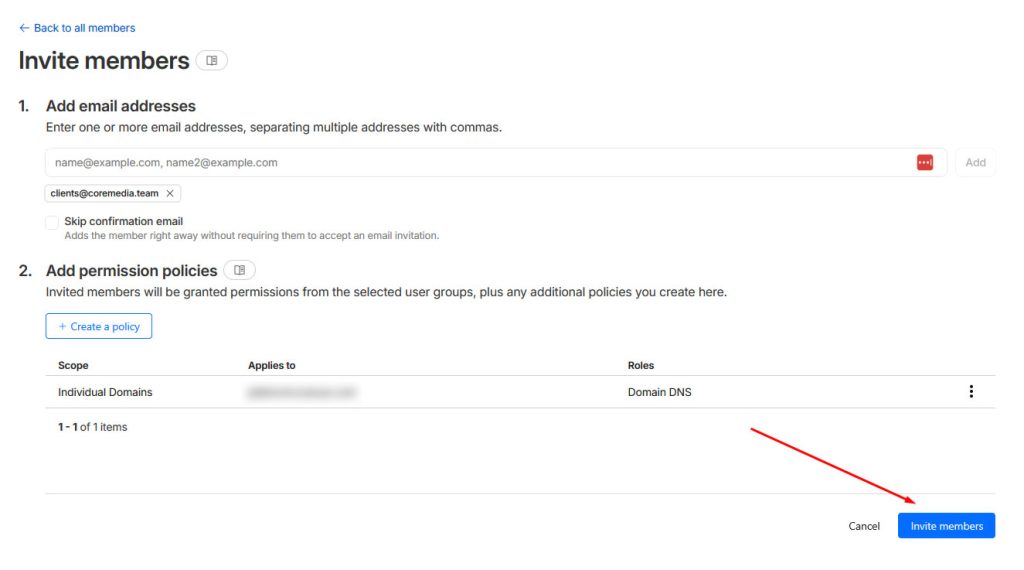
- Click on Invite Members
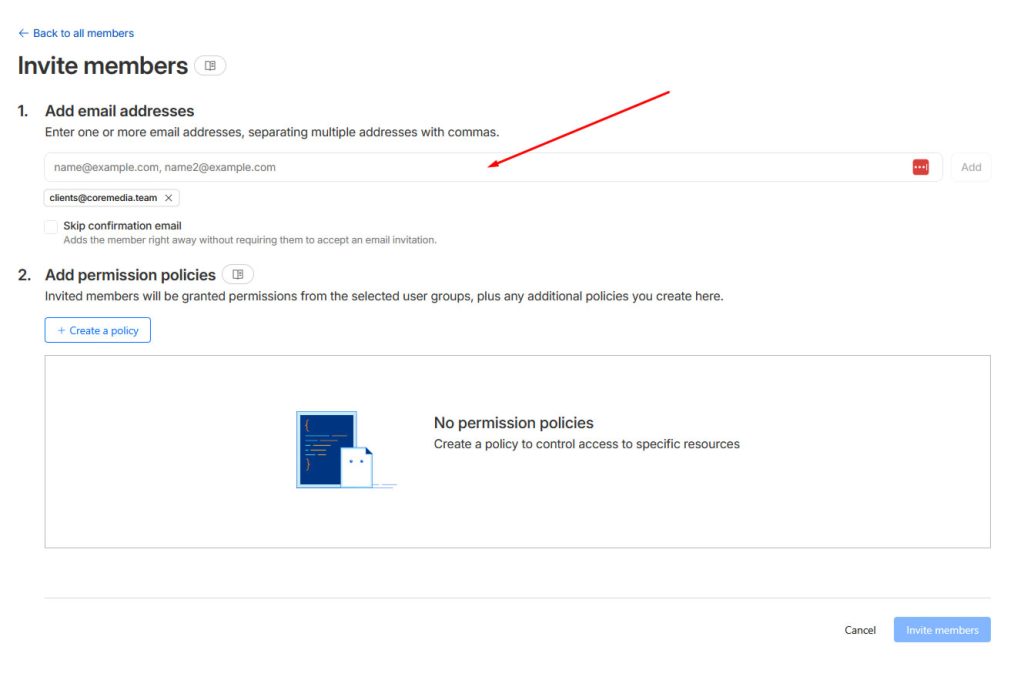
- In the Add email addresses field, enter [email protected]
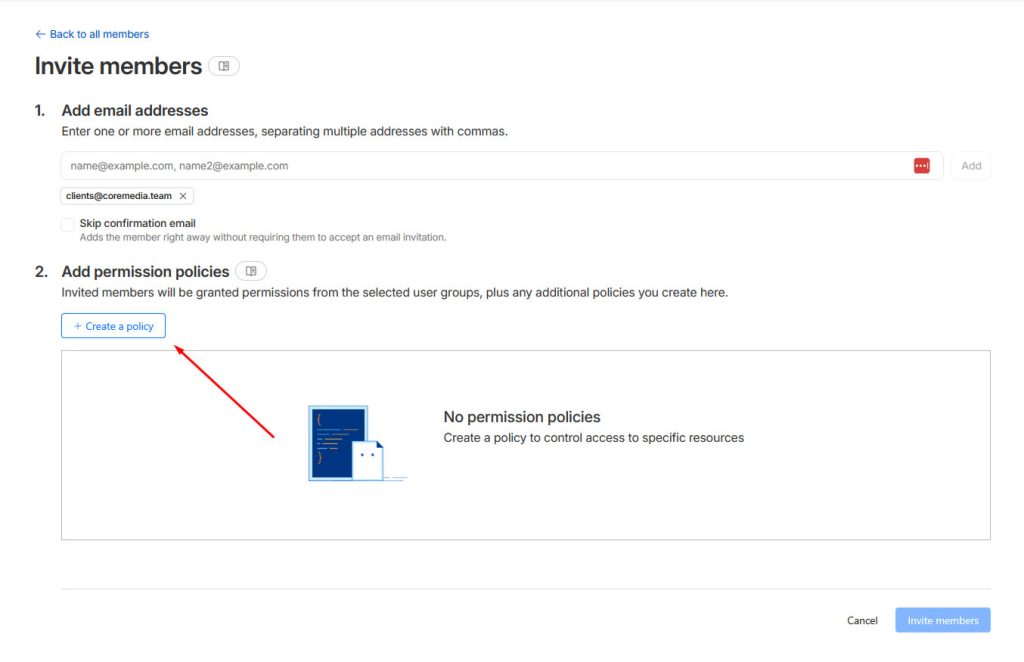
- Click Create a Policy
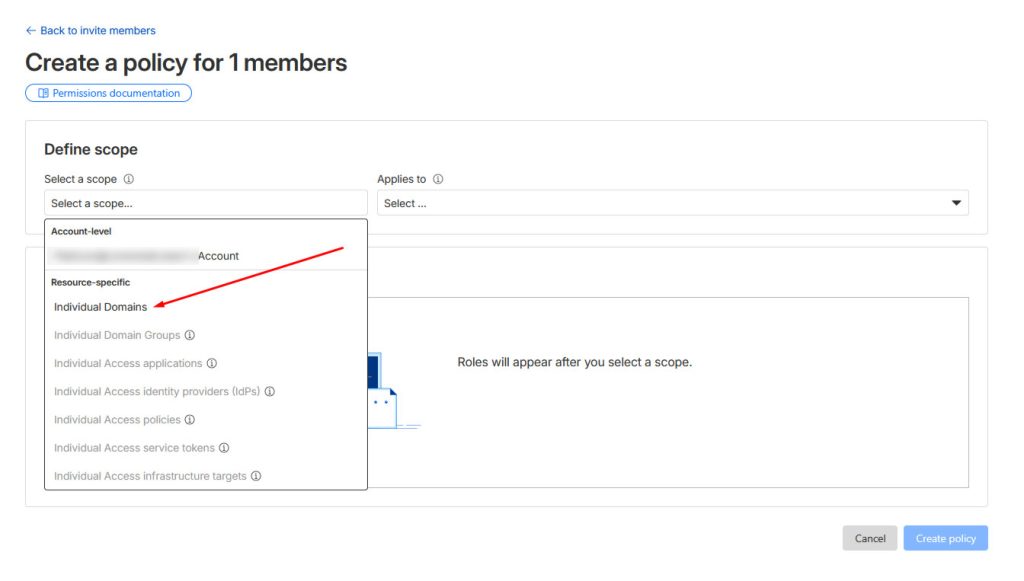
- Click on Select a scope and then click on Individual Domains
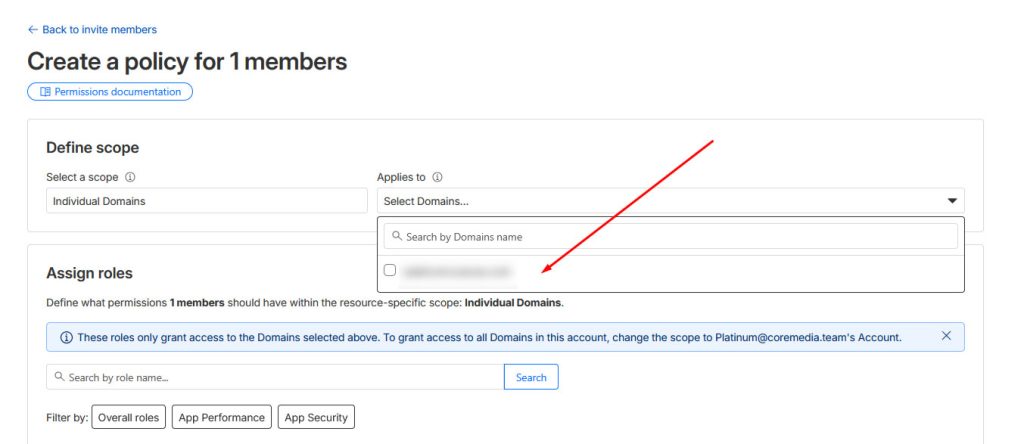
- Click on Select Domains… and then select the domain
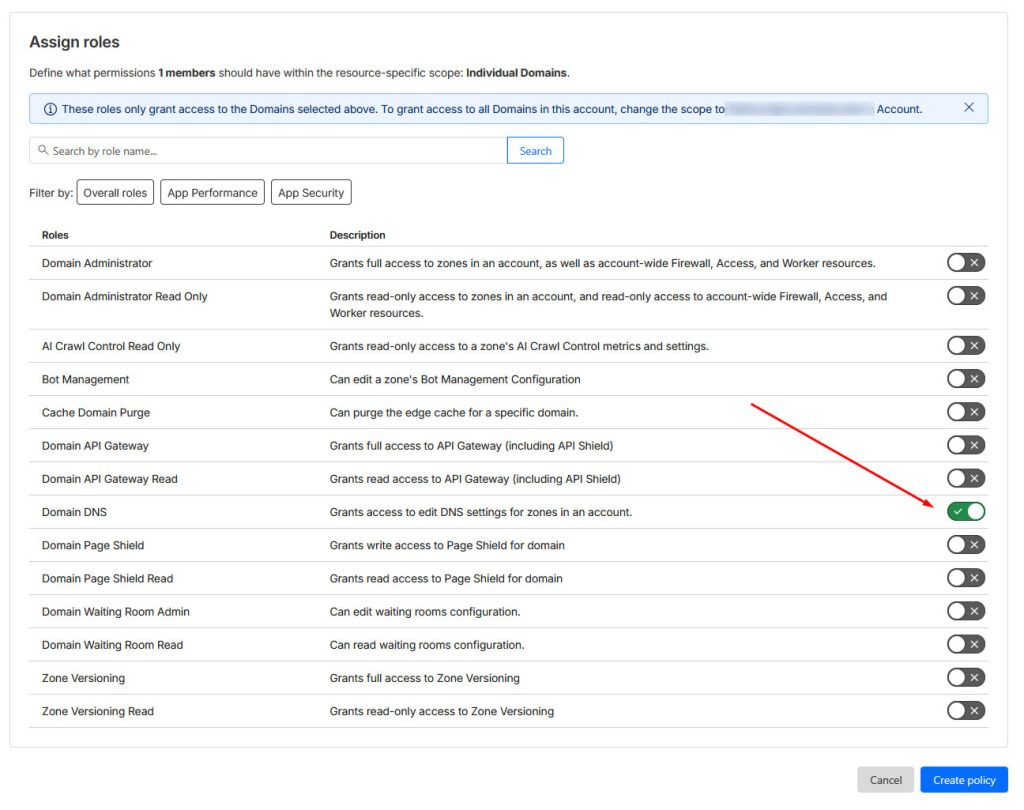
- In the Assign roles section, toggle on Domain DNS
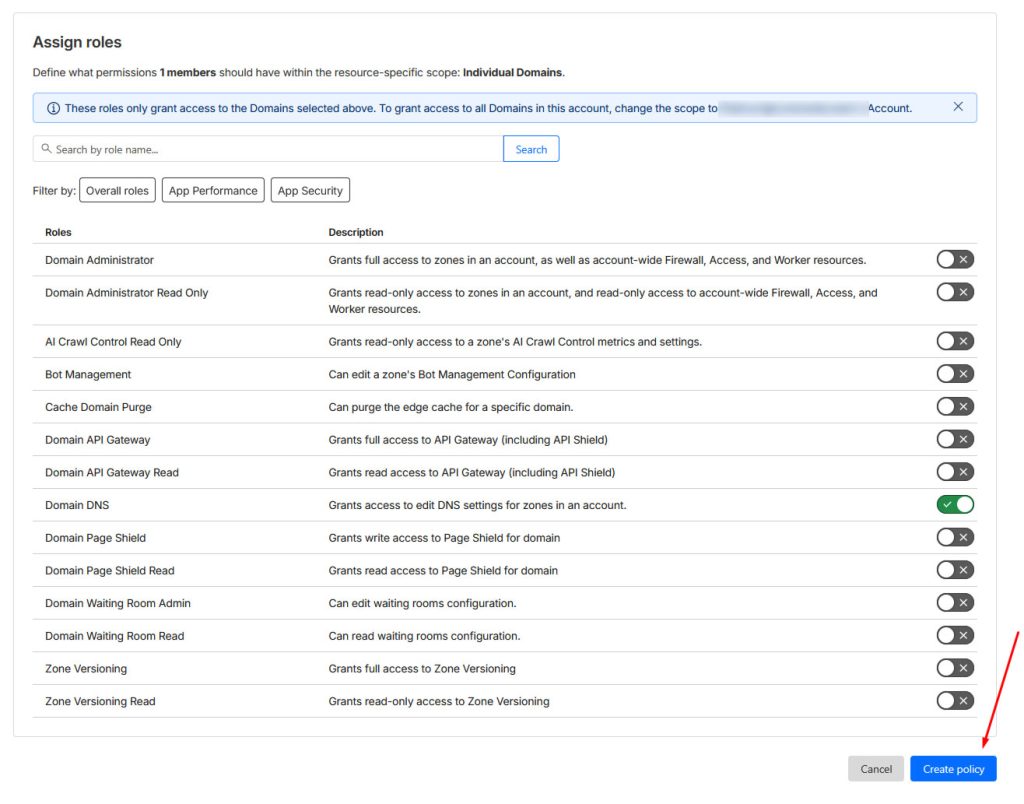
- Click the Create policy button
- Click on the Invite members button
That’s all! You’ve now shared domain DNS access with us.